09. Install Gradle
Install Gradle
Question:
Start Quiz:
Solution:
INSTRUCTOR NOTE:
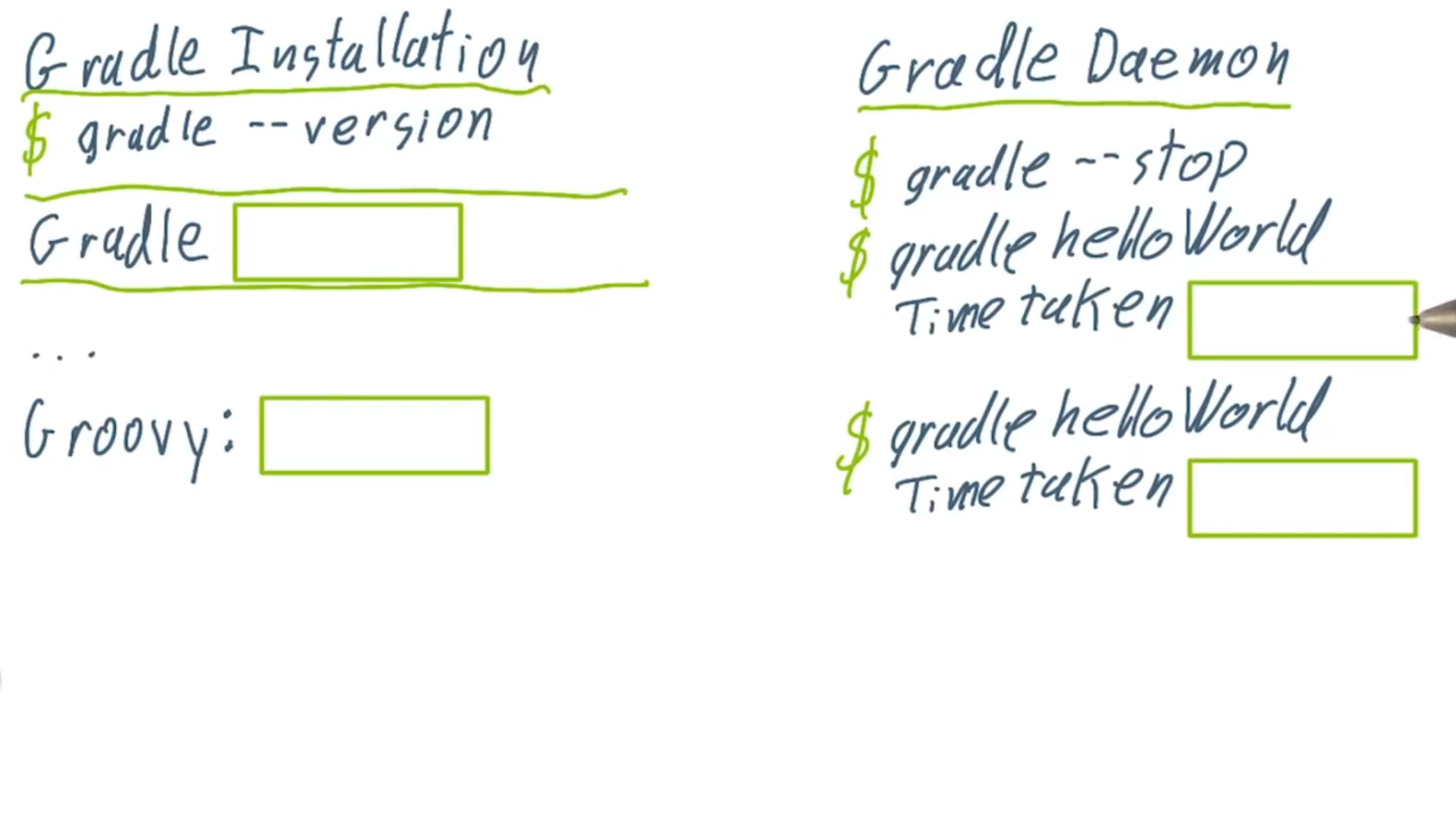
You can find our Gradle installation instructions in the build.gradle file in the 1.02-Exercise-InstallGradle folder in the course code. You'll need to run the gradle helloWorld command in that directory. Windows installation instructions are available there as well. Remember you can download the course code from the repository here, or you can just clone from: https://github.com/udacity/ud867.git.
More details can also be found in the Installing Gradle chapter of the user guide.
Other options for installing Gradle include Homebrew and the SDKMAN tool.
Note that you do not need to install Groovy! Gradle brings along its own Groovy distribution.